
Have a matte? RE:Fill mends holes in images by intelligently filling user-specified regions. With advanced compositing functions.
RE:Fill in Action
RE:Fill Overview
See what RE:Fill can do for you!
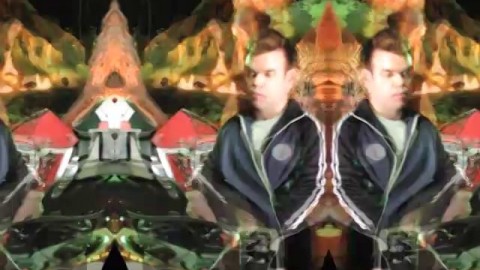
Starry Eyed Surprise
Starry Eyed Surprise
Artist: Paul Oakenfold
Director: Laura Kelly, Production Company: Partizan
© 2003 Maverick Recording Company
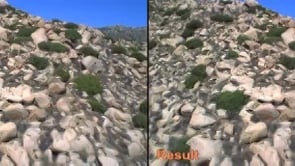
Scratch Removal
Fill in scratches or areas remaining after wire removal with neighboring pixels.
Source Material, (c) Artbeats.
RE:Fill Features
RE:Fill replaces bad pixels
Replace missing pixels and small regions that can appear in your footage.
Fine control
You provide a matte of which pixels need fixing and we do the rest.
Feature Specs
Replace "bad" pixels
Replace missing pixels in numerous ways: by selecting the nearest "good" pixel, or mirroring pixels about a hole's edge, or cloning from another "good" region. The good region can come from another point in time or from another sequence altogether.
Small regions
Fill in small image regions along an image boundary that can become "invalid" after distorting or warping an image. Fill in an area between two objects being lined up that don't exactly fit together or even scratch lines.
Extended alpha operators
Fill in alpha while putting something useful in RGB, using operators to feather, shrink, grow, cleanup and better choking.
Compositing advantage
Adds essential functionality for the compositing and retouching wizard. Create nice color gradients and washes by filling in large holes.
Other uses too
Create interesting kaleidoscopic effects using a mirror fill on large holes.
Advanced Compositing Tricks
Experience with new forms of blending, get pixels from other frames to help clean these plates.
Learn how to use RE:Fill’s features
Instructional videos, and example videos, that help you learn how to get the most of each plug-in's robust features.