
DEFlicker is your solution for problematic high frame rate and timelapse footage!
DEFlicker in Action
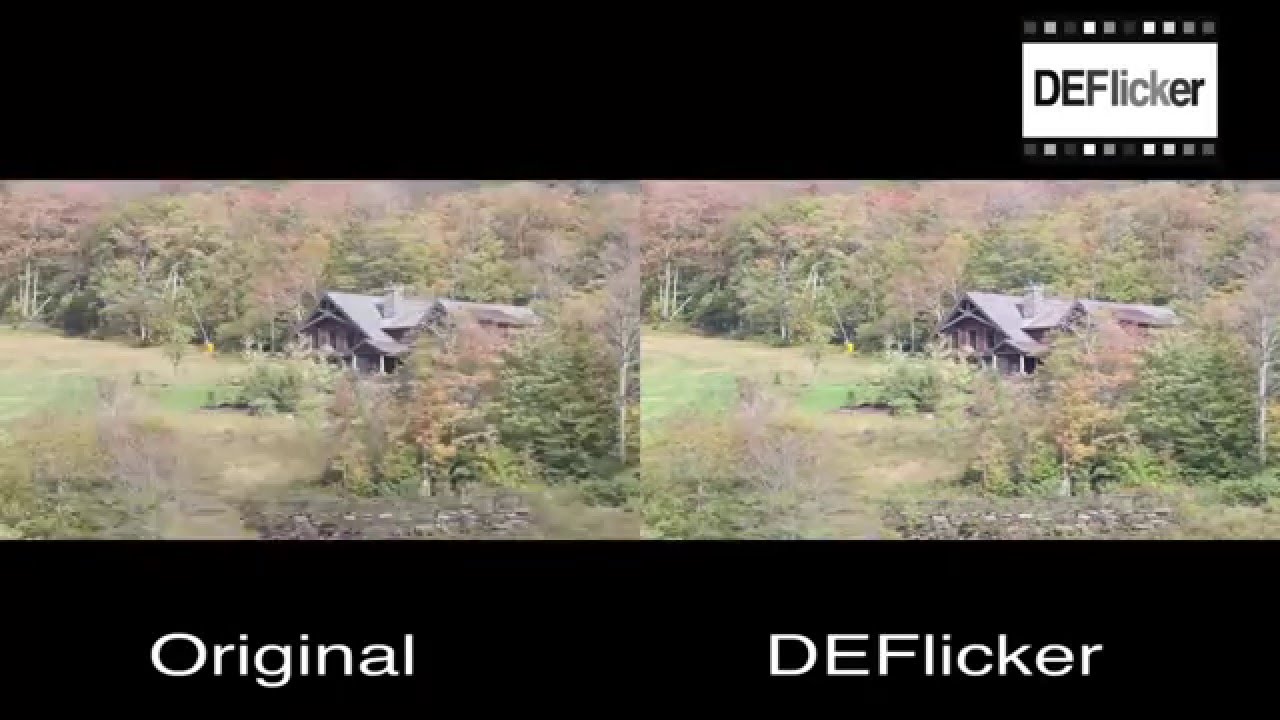
DEFlicker Overview Reel
DEFlicker by RE:Vision Effects is designed to smooth out annoying flicker and artifacts when shooting high speed or timelapse video.
See what DEFlicker can do for you!

DEFlicker Timeslice
“We used the high-speed deflicker plugin to reduce flicker of over 35 takes of a 60 Nikon D800 Array capturing 7.3k frames, in a short very period of time. This task would normally have been a grueling challenge with our conventional methods.”
Joseph Steel, Timeslice Films
DEFlicker Features
Deflicker anything
Fix high-speed video
Timelapse enhanced
Feature Specs
Superior restoration of HFR footage
Multiple rate flicker
Superior timelapse options
Any camera, any environment
Higher frame rates
Noise
Rolling Bands
GPU accelerated
Learn how to use DEFlicker’s features
Instructional videos, and example videos, that help you learn how to get the most of each plug-in's robust features.
Download
Try DEFlicker for Free
DEFlicker V2 – OFX Hosts
DEFlicker V2 – OFX Hosts
TRIAL DOWNLOAD & LICENSE COMPATIBILITY
When you download a DEFlicker or purchase a DEFlicker license for Grass Valley Rio it is compatible with the following:
Baselight
5.2.11675 (and up)
Catalyst Edit
2015.1.0.104 (and up)
Diamant and Dustbuster+
12.0 (and up)
Flame
2019.2 (and up)
Fusion Studio
5.2 (and up)
Grass Valley Rio
4.5.9 (and up)
HitFilm
4 (and up)
Mistika
(some plugins require 11.1.0 an over)
Natron
1 (and up)
Nucoda
2014 (and up)
Nuke
5.1 or Indie 12.2 (and up)
Resolve
15.0 (and up)
Scratch
8.3 (and up)
Silhouette
6.1.3 (and up)
Vegas Pro
12 (and up)
Purchase DEFlicker
License for Grass Valley Rio
License works with After Effects, Autograph, Baselight, Catalyst Edit, Diamant and Dustbuster+, Final Cut Pro, Flame, Fusion Studio, Grass Valley Rio, HitFilm, Motion, Mistika, Natron, Nuke, Premiere Pro, Resolve, Scratch, Silhouette, and Vegas Pro.
We offer several types of licensing options for both our interactive and render-only plug-ins: floating license, non-floating license, and volume license (read the licensing overview for more information). If you are interested in volume licensing or have other questions about these license options, please contact us. All floating licenses require installing our floating license server.
Features, pricing and availability are subject to change without notice.
Interactive license options
Floating Licenses
| DEFlicker v2 Floating License | PURCHASE FLOATING LICENSE | |
| DEFlicker v2 Floating License | Upgrade from non-floating v2 to floating | |
| DEFlicker v2 Floating License | Upgrade pre-v2 to v2, floating | |
| DEFlicker v2 Floating License | Upgrade non-floating pre-v2 to floating v2 |
Non-Floating Licenses
| DEFlicker v2 | PURCHASE LICENSE | |
| DEFlicker v2 | Upgrade pre-v2 to v2, GUI |