
Augment your color correction arsenal. Restore otherwise unusable footage.
RE:Grade in Action
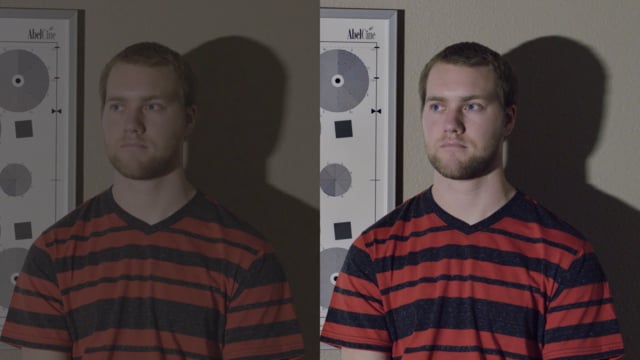
RE:Grade Overview
Automatically pull details out of the shadows, make every pixel sharp without halos, clamping or ringing.
Enhance contrast, saturation, exposure.
Normalize your footage for final look correction, restore sanity in your color workflow
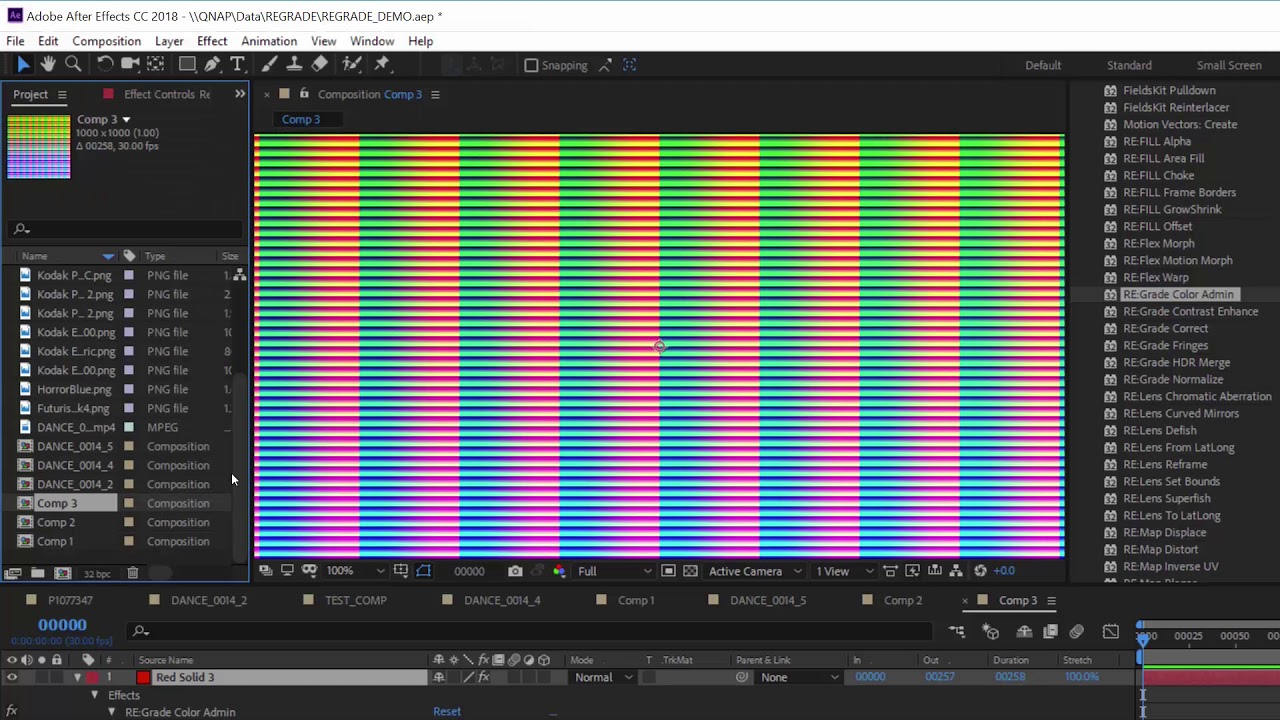
Color LUT handling in RE:Grade
Quick demo of how we support HALD Clut (3D color look-up images), save as 3D file LUT file. You can also use this to restore sanity in your multi-application workflow using color look-up inversion feature.
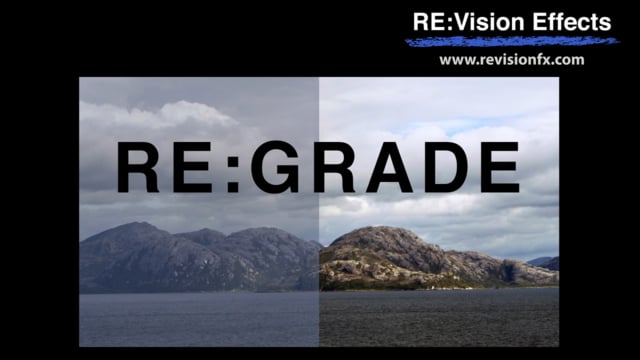
Doesn’t my application do that?
Some video with multiple issues (here shooting with only moonlight before sunset with heavy atmospheric conditions) can be quite complicated to just bring in the ballpark.
RE:Grade Features
Automatic contrast enhancement
Restore otherwise unusable footage
Normalize
Feature Specs
Semi-Automatic Enhancement
Look-up tables
Super sharp look
Exposure Fusion
Adjust/Correct Color
Color and Tone limiter
SDR to HDR secret ingredient
Blind handling of Log Curves
Color Admin
Attenuate color fringes
Download
Try RE:Grade for Free
RE:Grade V1 – After Effects, Premiere Pro
RE:Grade V1 – After Effects, Premiere Pro
TRIAL DOWNLOAD & LICENSE COMPATIBILITY
When you download a RE:Grade or purchase a RE:Grade license for After Effects it is compatible with the following:
After Effects
CS6, CC, CC 2014, CC 2015, CC 2017, CC 2018, CC 2019, 2020, 2021, 2022-26
Premiere Pro
CS6, CC, CC 2014, CC 2015, CC 2017, CC 2018, CC 2019, 2020, 2021, 2022-26
Purchase RE:Grade
License for After Effects
License works with After Effects and Premiere Pro.
Additional License Options
We offer several types of licensing options for both our interactive and render-only plug-ins: floating license, non-floating license, and volume license (read the licensing overview for more information). If you are interested in volume licensing or have other questions about these license options, please contact us. All floating licenses require installing our floating license server.
Features, pricing and availability are subject to change without notice.
Interactive license options
Floating Licenses
| RE:Grade V1 Floating License | PURCHASE FLOATING LICENSE | |
| RE:Grade V1 Floating License | Upgrade upgrade non-floating v1 to floating |
Render-only license options
Render-only licensing is for use with After Effects' render-only program 'aerender'. Render-only licenses do not work in AE’s Render Queue (for Render Queue rendering you need an interactive license). Note that the RE:Grade render-only licenses only work on projects written with an interactive license (so you must have at least one standard, floating or Non-Floating interactive license for the render-only licenses to be valid).
Floating Licenses
| RE:Grade V1 / Render-Only Floating License | PURCHASE FLOATING LICENSE |
Non-Floating Licenses
| RE:Grade V1 / Render-Only | Upgrade from non-floating v1 to floating | |
| RE:Grade V1 / Render-Only | PURCHASE NON-FLOATING LICENSE |