ProductsSupportStoreForumFAQCompany

The installers on this page install:

  • a complete version if you have your registration key (sent to you after purchase) OR
  • a demo version that draws an "X" on each image if you have no registration key
Downloads
  Mac OS X Windows
SmoothKit 2.0 14.3 MB .dmg 8.1 MB .zip

Compatibility Pricing

Note: If you've purchased a previous version of SmoothKit version 2, then updating is free; when running the latest installer, use the registration key that you received when you purchased an earlier version.

Need a previous version? Show more »

What's new in version 2.0? Posted February 14, 2008:
  • Projects that used 1.x versions of SmoothKit (SK) will not work with version 2. However, SmoothKit v1 and v2 can reside in your plugins folder at the same time so that old projects will continue to work properly. SK v2 plugin names start with "SK",whereas v1 plugin names start with "SmoothKit".
  • SK v1 Gaussian was renamed in SK v2 to Gaussian Per Pixel Blur to make room for two new blurring tools: Zblur and the simpler-to-use Gaussian.
  • Gaussian Blur now has the option to blur in the vertical and horizontal directions separately.
  • Diffuse Blur adds logical modes "min of max" and "max of min" and edge smoothing control.
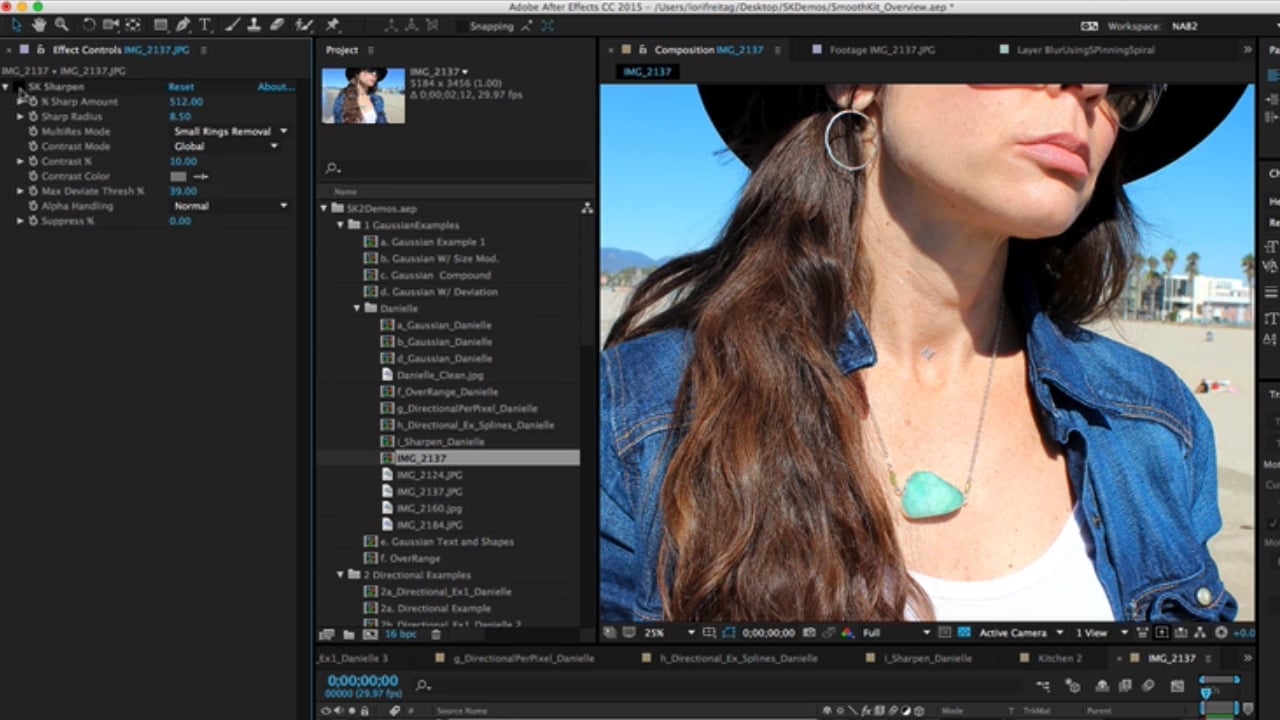
  • New Sharpen plugin with a "multi-res" mode that significantly reduces usual sharpening ringing artifacts.
  • New ZBlur tool with extensive greyscale image controls to interactively shape a focus-like effect.
  • In After Effects and Combustion, Directional Blur With Splines is a new tool is included to perform a directional blur using a host's 2D roto splines
  • New compositing alpha handling modes are introduced including "grow alpha" which allows you to blur without creating inner transparency on large blur kernels.
  • A new blur filter mode option, "Bloom", that better preserves highlights
  • New option to extend (repeat) the frame edge or blur it (also necessary to handle processing windows, region of interest (ROI) properly).
  • SK v1 Channel Viewer is no longer necessary because display tools are embedded in each plugin as a View Mode in each plugin. For example, Deviation Modulator being used within a plugin can be viewed using a View Mode such as "Show Deviation Map". In this way we have removed a lot of guesswork as to exactly how Modulator clips are being used within a plugin.
  • More aggressive multi-threading overall (significant speed-up in some cases on multi-core systems).
  • Optimized "smart" processing of rectangles in tools within After Effects 7.0 and later, using AE's smart rect local domain of definition and with automatic alpha-based auto-cropping elsewhere).
  • Support for floating point processing in AE 7 and over

Show More »